CC5MPXWD
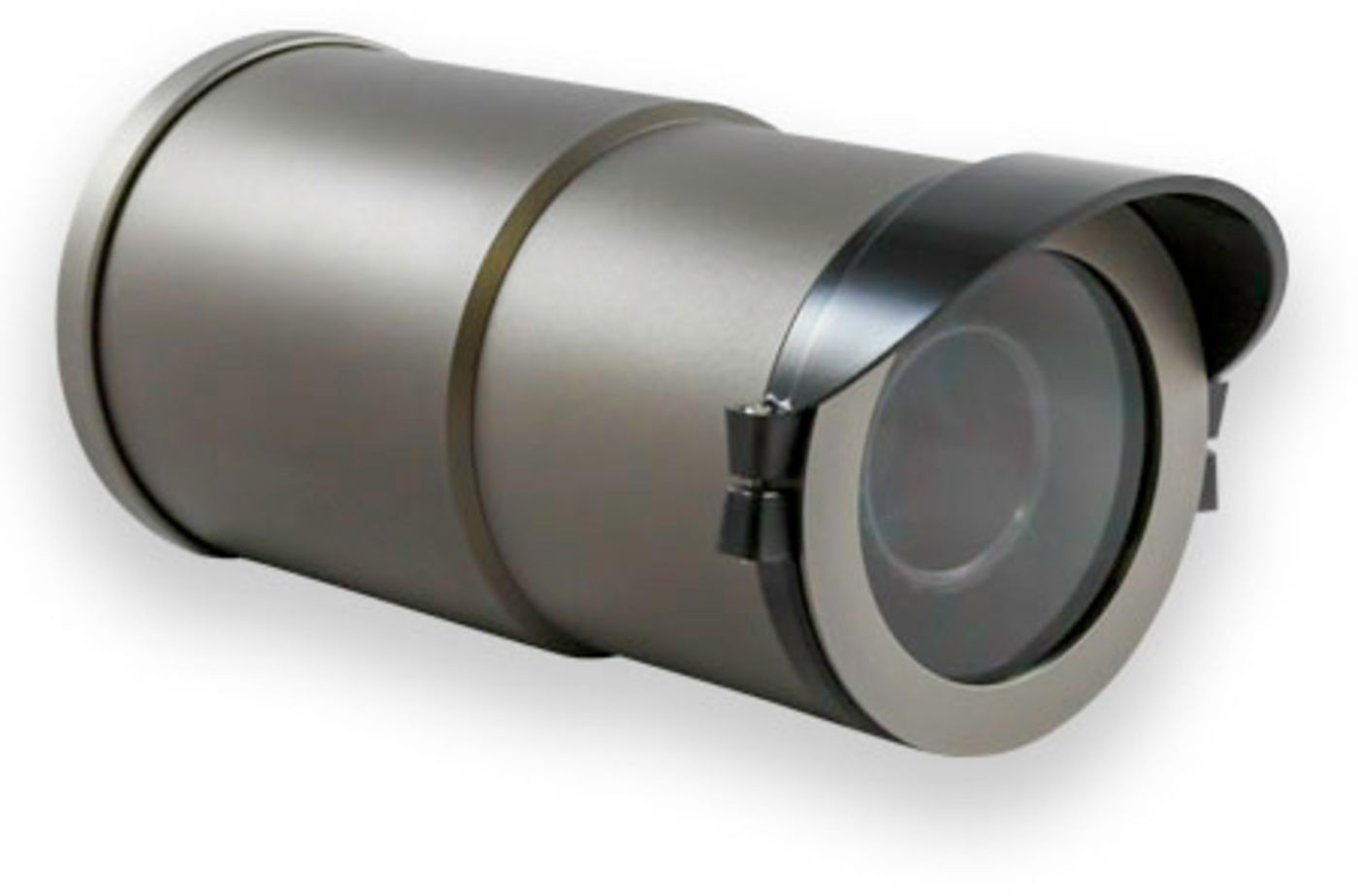
CC5MPXWD
OrderableDigital Camera with Window Defroster
Overview
The CC5MPXWD is similar to the CC5MPX, except it includes an internal defroster that prevents and removes light frost and icing from the camera's window. This high-resolution digital camera produces JPG images with a resolution of up to 5 megapixels, and shoots videos with a resolution of up to 720P. It has an integrated environmentally sealed enclosure that protects the camera from moisture and high humidity. An SD memory card for image storage is available as an option.
Key Advantages
Heated, weatherproof enclosure for harsh, remote locations
Technical Description
The CC5MPXWD can function as a stand-alone camera or can be connected to a Campbell Scientific data logger or another PakBus device. It has several options for image acquisition and storage. You can take still images or videos based on an internal timer, motion detection, or a trigger from an external PakBus device (such as a data logger). The images or videos can then be stored on an SD card, saved in a data logger’s memory, sent to a PC via email, or transmitted to an FTP server.
The CC5MPXWD's defroster consists of an aluminum ring with a resistive type heating element. Springs are used to press the defroster against the camera's window.
The defroster turns on when the internal temperature is below a specified value and not in the low powered state. You can also specify the number of minutes before a self-timed schedule that the defroster will turn on.
With extreme icing or riming conditions and low temperatures, the window defroster may not be able to clear the window due to the power constraints of the defroster.
Benefits
- Compatible with PakBus data loggers
- Can be controlled by internal timer or by external controls: motion detector, web page, data logger
- Designed to work in harsh environments, this camera operates at temperatures as low as -40°C and as high as 60°C
Specifications
- Heating Element Resistance
- 18 Ω
- Operating Power
- 9 to 16 Vdc
Operating at voltages greater than 16 Vdc can damage the camera. - Operating Temperature Range
- -40° to +60°C
- Clock Accuracy
- ±2 minutes per year
(-40° to +60°C)
- Photo or Video Capture Triggers
- Two independent self timers, external trigger, motion detection, web page control
- Programmable Still Image Resolutions
- 2592 x 1944 (JPEG)1280 x 960 (JPEG)1280 x 720 (JPEG)640 x 480 (JPEG)640 x 352 (JPEG)320 x 240 (JPEG)320 x 176 (JPEG)
- Video
- Capable of up to 720P for the following:
1280 x 720 (MPEG4)640 x 480 (MJPEG)320 x 240 (MPEG4)
- Communication Interfaces
- RS-232 port; RS-485 port; Ethernet 10/100
- Communications Protocols
- PakBus, FTP, email, web page interface via web browser
- Maximum Baud Rate
- 115.2 kbps
(for RS-232 and RS-485 only)
- Window Defroster
- Yes
- Wi-Fi Capable
- No
- Low-Light Capability
- Not designed for low-light conditions.
- NDVI Capability
- No
- Diameter
- 9.3 cm
(3.7 in.)
- Length
- 22 cm
(8.7 in.)
- Weight
- 1.06 kg
(2.34 lb)
Communication Switched Power Output
- Maximum Output Current
- 750 mA
Current Drain (camera only)
- Maximum
- 250 mA
(at 12 Vdc)
- Quiescent
- ≤1 mA
(off power mode)
Current Drain (with defroster on)
- Typical
- 1.0 A
(@ 12 Vdc)
- Maximum
- 1.2 A
(@ 16 Vdc)
Lens
- Mount
- C-type
- IRIS
- DC compatible
- Standard Lens
- 4 to 12 mm, 27° to 80° FOV
External Input Signal
- Logic Low Level
- 0.65 Vdc
(-20 Vdc absolute minimum)
- Logic High Level
- > 2.0 Vdc
(+20 Vdc absolute maximum)
- Minimum Pulse Width
- 10 ms
Memory Card Interface
- Type
- Secure Digital
(SD)
- File System
- FAT32
- File Type
- JPEG (image), AVI (video)
- Size
- 16 GB or less
Photo Capture Time
- -NOTE-
- Time is from wake-up to start of capture.
- Fully On
- < 1 s
(5 MP images take longer.)
- Partially On
- 10 s
- Deep Sleep
- 15 s
- Off State
- 90 s
Common Accessories
(7)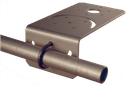
18549
CC Camera or PWD22 Mounting Kit
The 18549 mounts the CC5MPX to a CM202-series crossarm.
OrderableCC5MPXCBL1
CC5MPX Power and I/O Cable
The CC5MPXCBL1 cable connects the camera to the power supply and is required to use the camera. This cable can also connect the camera to a datalogger COM port, MD485, or PC. Connection to the PC allows the camera to be configured via the Device Configuration utility (the DB9M-TERM interface that is shipped with the camera is also required).
OrderableCC5MPXCBL2
CC5MPX RJ45 Environmental Ethernet Cable
An Ethernet cable is required to configure the camera. The CC5MPXCBL2 RJ45 Environmental Cable is typically used. It connects the camera to a network router, cellular modem, or laptop. With this connection, the user can access a web interface that allows adjustment of camera targeting/focusing; supports camera configuration; and displays camera information, system status, date, and time.
Orderable
28900
CAT5e Ethernet Unshielded Cable with RJ45 Connectors, 10 ft
This 10baseT Ethernet straight through cable can be used instead of the CC5MPXCBL2 if the camera is indoors or for temporary outdoor connections while the weather is good.
Orderable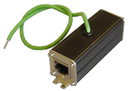
28033
Ethernet In-line Surge Protection
The 28033 Ethernet Surge Protector helps protect the CC5MPXWD from electrical surges. A straight-through Ethernet cable is required to connect the 28033 to the CC5MPXWD. Another Ethernet cable is used to connect the 28033 to a network router, cellular modem, or laptop.
Orderable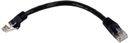
28898
CAT6 Ethernet Unshielded Cable with RJ45 Connectors, 6 in.
The 28898 is a 6 in., unshielded, CAT5e cable with RJ45 connectors that can be used with the 28033.
Orderable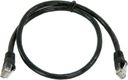
28899
CAT6 Ethernet Unshielded Cable with RJ45 Connectors, 2 ft
The 28899 is a 2 ft RJ-45 to RJ-45 cable that can be used with the 28033.
Orderable
Other Accessories
(2)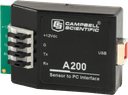
A200
Sensor to PC Interface
The A200 interface can be used instead of the DB9M-TERM to connect the camera to a PC, for configuring it via our Device Configuration Utility (DevConfig).
Orderable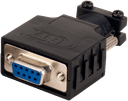
28840
Interface with Hood and Hardware Kit, DB9 Socket to Terminal Block
This interface is a socket (female) fitting that allows wiring of a serial device with stripped and tinned leads to a serial port. A protective hood for the fitting is included.
Orderable
Ships With
(6)- Screws from original mfg (used for mounting)Qty 3
- Washers from original mfg (used for mounting)Qty 3
- DB9M-TERM from original mfg (interfaces data logger cable to PC for using DevConfig)
- Black wire from original mfg (comes connected to DB9M-TERM)
- Foam tape from original mfg (used with DB9M-TERM)
- Cable tie from original mfg
Similar Products
(1)
Compatibility
Note: The following shows notable compatibility information. It is not a comprehensive list of all compatible or incompatible products.
Mounting
The 18549 Camera Mounting Kit is used to mount the CC5MPXWD camera to a CM202, CM204, or CM206 crossarm. The crossarm then attaches to a tripod, tower, or user-supplied pole (1.0-in. to 2.1-in. outer diameter). The bracket’s design facilitates the aiming of the camera.
Data Logger Considerations
The CC5MPXWD is compatible with any PakBus data logger that has 2 MB or greater of on-board memory. The data logger must have a current operating system.
Connections
The CC5MPXCBL1 Power and I/O Cable connects the camera to:
- Power supply
- COM port of a CR800, CR850, CR1000, or CR3000 datalogger
- MD485 Multidrop Modem (for connecting more than one camera to a data logger or if long cable lengths are required)
- PC (for configuring camera via the Device Configuration utility; also requires the DB9M-TERM interface that is shipped with the camera)
An Ethernet cable is required to configure the camera. Typically, the CC5MPXCBL2 Environmental Cable is used. The Ethernet cable connects the camera to a network router, cellular modem, or laptop. With this connection, the user can access a web interface that:
- Allows adjustment of camera targeting/focusing
- Supports camera configuration
- Displays camera information, system status, date and time
Compatible Products
(10)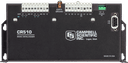
Basic Datalogger
Basic Datalogger
RetiredNotesThe CR510 must be the -2M version and must use the PakBus operating system.
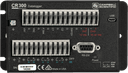
CR300
Measurement and Control Datalogger
RetiredNotes—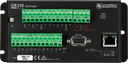
CR310
Measurement and Control Datalogger
OrderableNotes—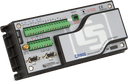
CR800
Measurement and Control Datalogger
RetiredNotes—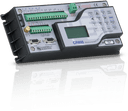
CR850
Measurement and Control Datalogger
RetiredNotes—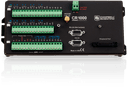
CR1000
Measurement and Control Datalogger
RetiredNotes—
CR1000X
Measurement and Control Datalogger
RetiredNotes—
CR3000
Measurement and Control Datalogger
RetiredNotes—
Datalogger for Measurement and Control
Datalogger for Measurement and Control
RetiredNotesThe CR10X must be the -2M version and must use the PakBus operating system.
Micrologger for Data Acquisition
Micrologger for Data Acquisition
RetiredNotesThe CR23X must be the -2M version and must use the PakBus operating system.
Related Resources
Documents
Downloads
- OS and FirmwareCC5MPX OSv1.25.1
June 24, 2019
Current CC5MPX Camera Operating System. Note: Do not extract the firmware update file “CC5MPX_FW_1_25_1.tar.gz”.This compressed file gets sent to the CC5MPX as is.
- Software ApplicationsCC5MPX PIC OSv2.0
November 18, 2014
Current firmware for the CC5MPX Peripheral Interface Controller (PIC) Note: In order for the CC5MPX to accept the PIC firmware the CC5MPX OS 1.23 or higher must be running in the camera. Retrieve the CC5MPX_PIC_UPDATE_V2_JUNE_17_2014.hex.gz firmware from the .zip file. Do not extract the firmware update file "CC5MPX_PIC_UPDATE_V2_JUNE_17_2014.hex.gz". This compressed file must be sent to the CC5MPX as a “.gz” file. Details related to updating firmware can be found in the CC5MPX manual.
Product Life Events
- Available for Order
- August 10, 2011
- Limited Availability
- November 29, 2018
- Retired
- June 1, 2021
- Repair Available Until
- June 1, 2022
- Free Support Until
- June 1, 2026
- End of Life
- June 1, 2026