COM320
COM320
OrderableVoice Phone Modem
Pricing
Request a quote Have pricing access? Sign in
Configuration
- Set for US/Canada (Ships as 21755, 16675, & 2365)COM320-USPart Number: 43001
- Set for UK (Ships as 43004, 16675, & 2365)COM320-UKPart Number: 43002
- Set for Australia (Ships as 43005, 16675, & 2365)COM320-AUPart Number: 43003
Select a configuration to add to your quote
- Model:
- COM320
- Item Number:
- COM320
- Warranty:
- 1 year
Overview
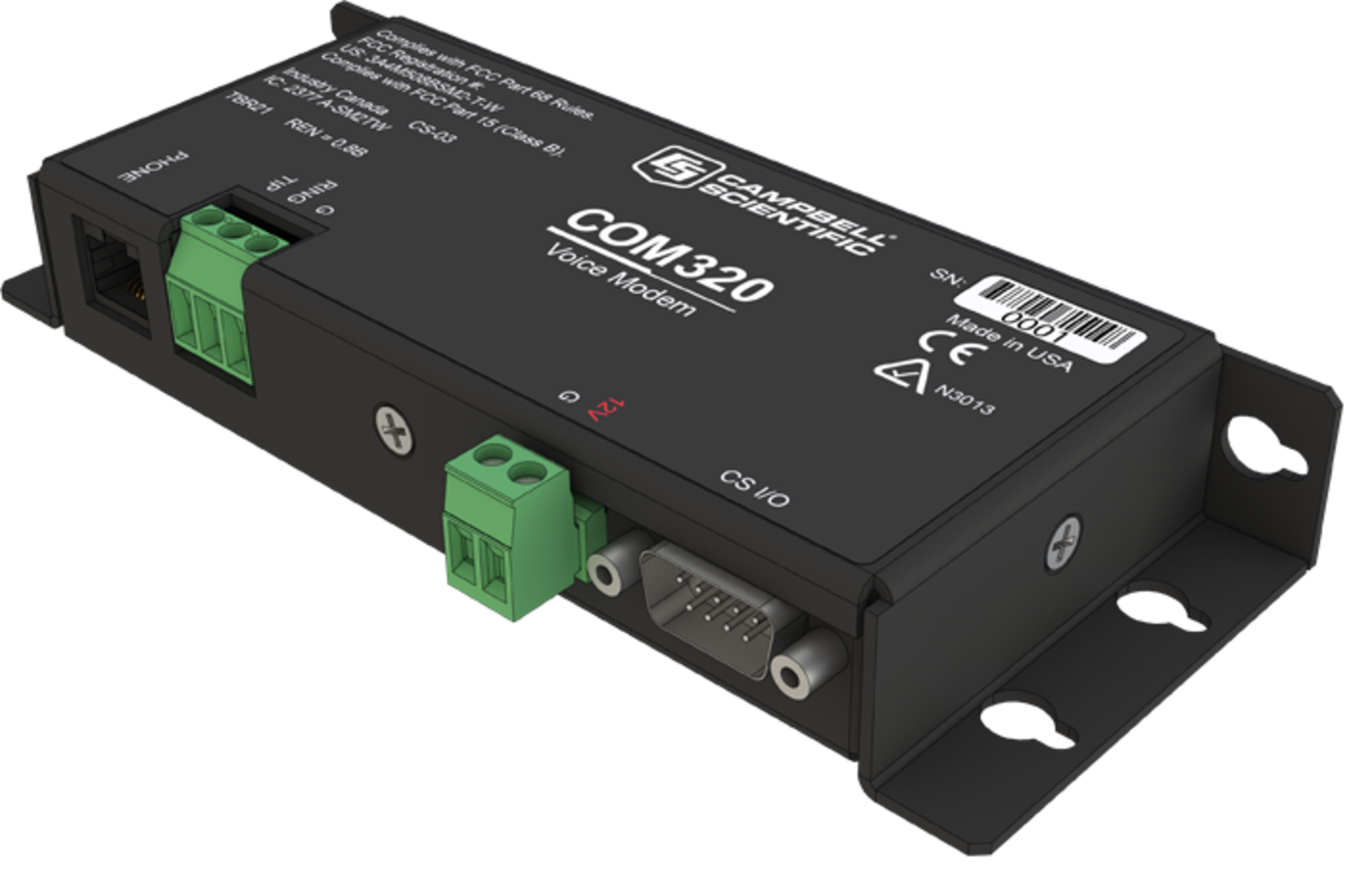
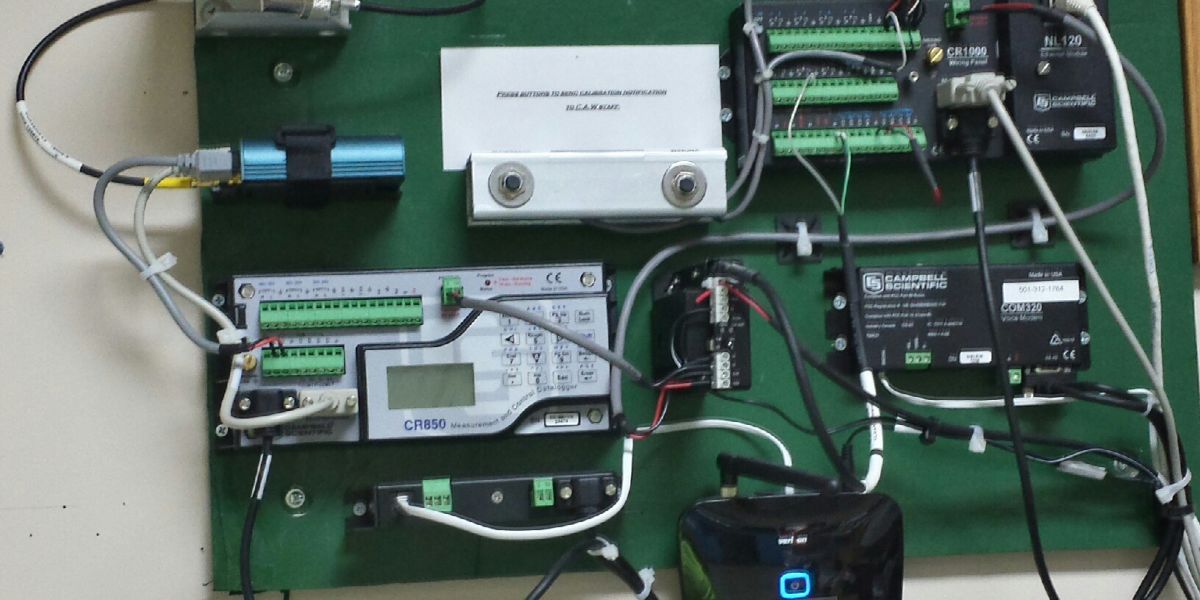
The COM320 is a voice-synthesizer modem that adds speech capability to a CR6, CR800, CR850, CR1000, or CR3000 datalogger. This capability allows the user to call a site for a spoken summary of real-time or historical data. The COM320 can also act as a standard modem.
Key Advantages
Make your data logger speech-capable
Technical Description
The COM320 has a CS I/O port, power terminals, screw terminals, and an RJ-11C jack. The data logger connects with the CS I/O port via an SC12 or SC12R-6 cable. The RJ-11C jack is for attaching a surge-protected telephone line. Alternatively, the screw terminals (GND, RING, TIP) can be used to connect the COM320 with a phone line via a surge protector.
The COM320 has a standard word list (see Word List brochure). Campbell Scientific may eventually add more words to the standard list. Customer-requested words for specific applications can also be included; consult the factory for details. The COM320’s sentences are programmed using CRBasic code.
Required Equipment
- Phone. Typically a touch-tone phone, but a rotary phone can be used to receive a verbal report only when the report does
not require user participation. - Analog phone line. Some DBX office phone lines are digital and cannot be used with the COM320.
- Surge protector at the data logger site if one is not installed by the phone company. Campbell Scientific offers model 6362
(mounts inside enclosure) or model 4330 (similar to the 6362 but without enclosure mounts). - COM320 voice-synthesizer modem (includes SC12 cable)
- CR6, CR800, CR850, CR1000, or CR3000 datalogger
- Environmental enclosure
- Power supply, usually the data logger’s sealed rechargeable battery recharged with ac power or solar panel
Data-logger-to-computer communication also requires, at the computer site, a PC or laptop running PC400, LoggerNet, or RTDAQ data logger support soft ware, 7026 serial cable or equivalent modem cable, and a user-supplied Hayes-compatible modem.
Standard Word List
The COM320 has a standard word list (see Word List brochure). Campbell Scientific may eventually add more words to the standard list. Customer-requested words for specific applications can also be included; consult the factory for details. The COM320’s sentences are programmed using CRBasic code.
Product Notes
Benefits
- Allows anyone to call a COM320-equipped site from any phone (including cellular) to receive a verbal report of current site conditions.
- Enables the data logger to call you and recite a verbal warning if specified conditions occur.
- Reports specific conditions or allows selection of information by pressing numbers on a touch-tone telephone
- Uses voice strings created with CRBasic code
- Operates over a wide temperature range
- Supports communication rates up to 115.2 kbps between modem and data logger
- Includes a speaker that aids troubleshooting in the field
Specifications
- Transmission Distance or Area
- Worldwide
- Operation
- 1200 to 115200 baud digital communications over phone linesGenerated voice messaging for incoming or outgoing callingTouch-tone selection voice responses
- Operating Temperature Range
- -25° to +50°C
(standard)
- Operating Voltage
- 12 Vdc
- Current Drain
- ~100 μA
(quiescent)
~35 mA(active)
- Communication Rate
- 9600, 38400, 57600, 115200 bps
(between data logger and COM320, and selected by user)
- Data Logger Interface
- CS I/O, SDC9
(not changeable)
- Standards
- V.92, K56Flex, V.90, V.34, V.32bis, V32, V23, V22bis, V22, V.21, B212, B103
- Registration
- FCC US 3A4M508BSM2-T-WIC 2377 A-SM2TWTBR21
- Service Requirements
- If not available at the site, phone lines must be installed.
- Dimensions
- 16.5 x 2.5 x 6.6 cm
(6.5 x 1.0 x 2.6 in.)
- Weight
- 0.16 kg
(0.35 lb)
Common Accessories
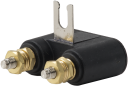
(3)4330
2-Wire Surge Protector
The 4330 helps suppress electrical transients traveling down the phone line before they impact the phone modem. Enclosure hardware is not included. The purchase of a surge protector is required only where phone line surge protection is NOT provided by the local telephone company.
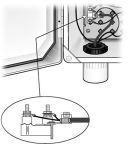
Orderable6362
Surge Protector Kit for 2-Wire Modem with Mounting Hardware
This surge protector is identical to the 4330 surge protector, except the 6362 includes hardware for attaching it to an enclosure. The purchase of a surge protector is required only where phone line surge protection is NOT provided by the local telephone company.
OrderableCABLE2CBL
2-Conductor, 22 AWG Cable with Drain
This 22-AWG, two-conductor cable has a Santoprene jacket and an aluminum Mylar shield. The CABLE2CBL can be spliced to a phone line. It is typically used when the COM320 is part of a pre-wired system. In this application, you need to order the -PW option.
Orderable
Replacement Parts
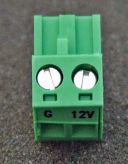
(4)3768
2-Pin Screw Terminal Plug Connector
The 3768 is shipped attached to the COM320. This green, plug-in power connector provides screw terminals for connecting the 12 V and GND wires of the power supply. The 3768 may be purchased to replace a lost or damaged power connector.
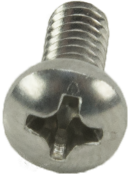
Orderable505
Screw #6-32 x .375 Pan Phillips
These screws, along with the 6044 grommets, are commonly used together to secure our equipment to the backplates of our enclosures.
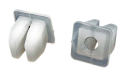
Orderable6044
Grommet for #6 or #8 Screw
These grommets are commonly used with the 505 screws to secure our equipment to the backplates of our enclosures.
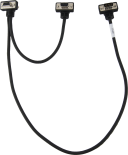
Orderable2365
Phone Cable
This phone cable is shipped with our land-line phone modems and is 182 in. long. The 2365 includes RJ11C connectors that can be run directly from the junction box to the socket on the modem.
Orderable

Compatibility
Programming
The COM320’s “sentences” are programmed using CRBasic code, which is included in PC400 and LoggerNet software. Both of these software packages support automated error-checking or user-initiated contacts.
Phone, Phone Lines, and Surge Protection
The COM320 must connect to an analog phone line. Some office environment PBX phone lines are digital and don’t interface to this analog modem. Of course, any phone may be used to call in to or receive callbacks from the COM320. A touch-tone phone is necessary for input or to navigate through the COM320’s menu system.
Typically, a length of phone line is run from the telephone company's junction box to the COM320s surge protector, and then to the Ground, Tip, and Ring terminals on the COM320. Alternately, if adequate surge protection is provided by the telephone company and the junction box supports it, a length of telephone wire with RJ11C connectors (#2365) can be run directly from the junction box to the socket on the COM320.
If the local telephone company does not provide surge protection, either the 6362 or 4330 surge protector should be used. See "Ordering Info" tab for more information.
Enclosure Considerations
The COM320 requires a desiccated, non-condensing environment; a Campbell Scientific enclosure is recommended. Grommets and screws are provided to attach the COM320 to the backplate of our enclosures.
Compatible Products
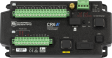
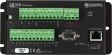
(6)CR6
High-Capacity Data Acquisition System
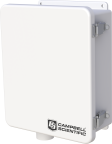
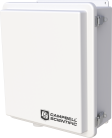
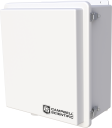
OrderableNotes—ENC10/12
Weather-Resistant Enclosure, 10 x 12 inches
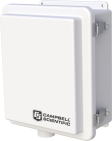
OrderableNotes—ENC10/12R
Raised Lid Enclosure, 10 x 12 inches
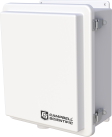
OrderableNotes—ENC12/14
Weather-Resistant Enclosure, 12 x 14 inches
OrderableNotes—ENC14/16
Weather-Resistant Enclosure, 14 x 16 inches
OrderableNotes—ENC16/18
Weather-Resistant Enclosure, 16 x 18 inches
OrderableNotes—
Incompatible Products
(2)
Related Resources
Case Studies
Documents
- Brochure
COM320 Voice Phone Modem
March 2026
View Document - Compliance
COM320 UK Declaration of Conformity
September 2022
View Document - Manual
COM320 Voice Communications Modem
June 2016
View Document - Compliance
COM320 EU Declaration of Conformity
June 2016
View Document
Showing 4 of 5 results
See all DocumentsDownloads
- COM320 USB Driver
January 1, 2014
Software ApplicationsWindows USB driver for the COM320 are distributed with the Device Configuration Utililty. In the Device Configuration Utility, click on the link "install the device driver for the COM320" in the main body of text for the COM320. Note: Device Configuration Utility 2.08 or newer is required to install drives and configure the COM320.
- COM320 Firmwarev4.0Login required
January 28, 2010
OS and FirmwareExecution of this download installs the COM320 Operating System on your computer. Note: The Device Configuration Utility is used to upload the included operating system to the datalogger. Requires a USB cable.
- COM310 Examples
April 22, 2008
Software ApplicationsCR1000 CRBasic program examples showing COM310 data callback and voice support.
