RAVENXTV
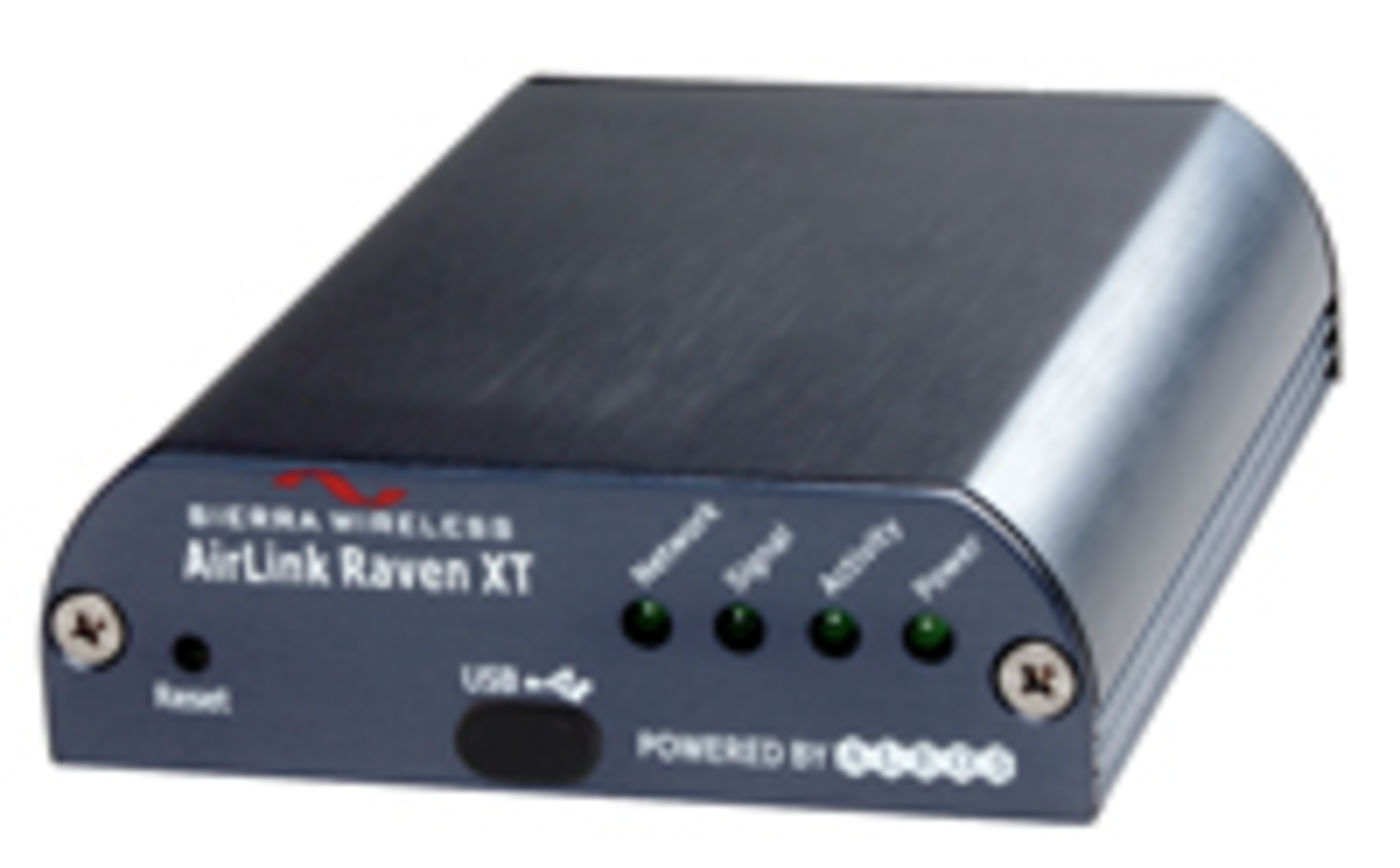
RAVENXTV
End of lifeCellular Digital Modem for Verizon
No longer available to order
This product is retained for service, documentation, and compatibility information.
Replaced by
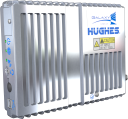
- RV50
Industrial 4G LTE Cellular Gateway
- Model:
- RAVENXTV
- Item Number:
- 21830
- Warranty:
- 1 year
Overview
The RavenXTV is a 3G cellular gateway for Verizon Wireless. The RavenXTV has an RS-232 serial interface for configuration and deployment with Campbell Scientific data loggers and peripherals.
Internet Connectivity
The RavenXTV provides Internet connectivity to any of our data loggers located within range of a compatible cellular network. With Internet connectivity, a data logger can transmit data to, and be remotely administered by, Campbell Scientific software. The RavenXTV can also enable many data loggers to communicate using other Internet protocols, such as email and web (HTTP).
Device Intelligence
The RavenXTV is powered by Sierra Wireless’s ALEOS embedded operating system. This allows the RavenXTV to provide highly reliable connectivity and remote device management independent of the device it is connected to. The embedded applications include IP serial server and client, local PPP host, dynamic DNS client, performance monitoring, IPsec VPN, and GRE tunneling.
Key Advantages
Technical Description
Before purchasing the RavenXTV, verify that EV-DO / CDMA coverage is available at your site(s) by contacting Verizon. Refer to the Compatibility information on the web page regarding establishing cellular service.
Benefits
- Internet connectivity using high-speed 3G cellular networking
- Low power consumption without sacrificing device intelligence
- Compatible with most Campbell Scientific data loggers
- Rugged design with wide operating temperature and Class I Division 2 compliance
Specifications
- Technology
- 3G EV-DO Rev. A
(with fallback to CDMA 1x Rev. 0, CDMA 1xRTT, CDMA IS-95)
- Dual Band
- 800 MHz Cellular, 1900 MHz PCS
- Transmit Frequency
- 1850 to 1910 MHz and 824 to 849 MHz
- Transmit Power
- 1 W for 1900 MHz0.8 W for 850 MHz
- Receiver Frequency
- 1930 to 1990 MHz and 869 to 894 MHz
- CDMA Throughput
- Up to 80 kbps
- RS-232 Data Rates
- 1200 bps to 115.2 kbps
- Serial Interface
- RS-232, DB9-F
- Serial Protocols
- AT Commands, PPP, SLIP, UDP/IP, TCP/IP
- RF Antenna Connector
- 50 Ω SMA
- Input Current Range
- 40 to 250 mA
- Input Voltage Range
- 6 to 28 Vdc
- Status LEDs
- Power, Network, Signal, Activity
- Operating Temperature Range
- -30° to +65°C
- Operating Humidity
- 5% to 95% RH
(non-condensing)
- Typical Current Drain
- 50 mA
(at 12 Vdc when dormant, which is idle for 10 to 20 s)
120 mA(transmit/receive)
- Dimensions
- 10 x 7.6 x 2.5 cm
(4 x 3 x 1 in.)
- Weight
- < 0.5 kg
(< 1 lb)
Accessories
(14)18663
Null Modem Cable, 9-Pin PIn (Male) to 9-Pin Pin (Male)
OrderableSC105
CS I/O to 9-Pin RS-232 DCE Synchronous Interface
Orderable17855
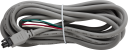
Serial Cable, DB9 Pin (Male) to Pigtail
Orderable31055
CPI/RS-232 Data Cable, RJ45 to DB9 Pin (Male)
Orderable32256
4G/3G Cellular Whip Antenna with SMA Connector
Orderable32262
2 dBd 4G/3G Multiband Omnidirectional Antenna with Mounting Hardware
Orderable21847
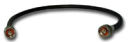
Cellular Phone Antenna Cable, Type N Pin (Male) to SMA
OrderableCOAXSMA
LMR195 Antenna Cable with SMA and Type N Pin (Male) Connector
Orderable31317
Surge Protection Kit, Type N to SMA, 700 to 2700 MHz
OrderableCM230
Adjustable Inclination Mounting Kit
OrderableCM230XL
Adjustable Angle Mounting Kit, Extended Length
Orderable21212
Black Cold Shrink Tape
OrderableCOAXNTN
RG8 Antenna Cable with 2 Type N Pin (Male) Connectors
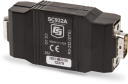
OrderableSC932A
RS-232 DCE Interface, CS I/O to 9-Pin
Orderable
Common Accessories
(12)18663
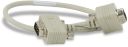
Null Modem Cable, 9-Pin PIn (Male) to 9-Pin Pin (Male)
The 18663 is one of three choices for connecting the modem with the datalogger. This null modem cable attaches directly to the datalogger's RS-232 port. It is the only choice available for using a RavenXTV modem with a CR200-series datalogger.
OrderableSC105
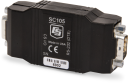
CS I/O to 9-Pin RS-232 DCE Synchronous Interface
The SC105 is one of three choices for attaching the modem to the datalogger. This interface connects the RavenXTV with the datalogger's CS I/O port. The SC105 is recommended for PakBus dataloggers.
Orderable17855
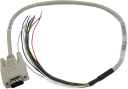
Serial Cable, DB9 Pin (Male) to Pigtail
The 17855 is one option for connecting the RS-232 port of a modem to the terminals on a datalogger. The 17855 provides a convenient method for wiring a DB9 connection to a terminal block. One end of the cable is fitted with a DB9 male connector. The other end of the cable has stripped and tinned leads.
Orderable31055
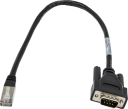
CPI/RS-232 Data Cable, RJ45 to DB9 Pin (Male)
The 31055 is one option for connecting to the terminals on a datalogger. The 31055 adapts an RS-232/CPI RJ45 port to a DB9 male connector. This cable is offered to make it easier to connect a cellular modem to the RS-232/CPI port.
Orderable32256
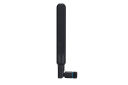
4G/3G Cellular Whip Antenna with SMA Connector
A choice of four antennas is offered for the RavenXTV. The 32256 is a wide-band termination antenna with SMA connector and articulating base. It has a high-efficiency response on nearly all 4G, 3G, and 2G frequency bands. This small, low-cost antenna is typically used in applications where antenna gain is not required to maintain a strong cellular link. For a cellular product that offers both primary and diversity antenna connections, use two of these antennas.
Orderable32262
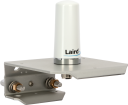
2 dBd 4G/3G Multiband Omnidirectional Antenna with Mounting Hardware
The 32262 is an omnidirectional antenna with mounting bracket that is ideally suited for use with 4G and 3G cellular gateways. The mounting bracket attaches to a mast or crossarm, and it serves as the antenna ground plane. The antenna has an N type (female) threaded permanent stud for easy mounting to the included bracket or through an enclosure wall.
Orderable21847
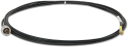
Cellular Phone Antenna Cable, Type N Pin (Male) to SMA
Either this cable or the COAXSMA-L (see below) is typically used with the 18285, 20679, or 10530 antennas. The 21847 has a 12-foot length. It consists of an LMR195 coaxial cable that terminates in a Type N Male connector on the "antenna end" and an SMA connector on the "transceiver end." If surge suppression is required, use the COAXNTN-L cable and 31317 Surge Protection Kit instead of this cable.
OrderableCOAXSMA
LMR195 Antenna Cable with SMA and Type N Pin (Male) Connector
Either this cable or the 21847 (see above) is typically used with the 18285, 20679, or 10530 antennas. The COAXSMA-L is offered for customers who want a user-specified lead length; a maximum length of 20 ft (6 m) is recommended. The COAXSMA consists of an LMR195 coaxial cable that terminates in a Type N Male connector on the "antenna end" and an SMA connector on the "transceiver end." If surge suppression or lengths longer than 20 feet are required, use the COAXNTN-L cable and 31317 Surge Protection Kit instead of this cable.
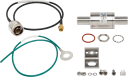
Orderable31317
Surge Protection Kit, Type N to SMA, 700 to 2700 MHz
The 31317 is an RF surge protection kit with flange mounting bracket. It may be flange-mounted to an enclosure backplate or bulkhead-mounted through an enclosure wall. One side of the surge protector connects to a radio with an SMA antenna connection. The other side connects to an antenna/antenna coaxial cable with Type N connector.
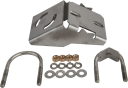
OrderableCM230
Adjustable Inclination Mounting Kit
The CM230 Adjustable Inclination Mount allows the 10530 Yagi antenna to be aimed at the service provider's antenna. It attaches to a mast or pipe with a 1.3" to 2.1" OD.
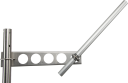
OrderableCM230XL
Adjustable Angle Mounting Kit, Extended Length
The CM230XL provides the same functionality as the CM230, but the CM230XL places the antenna further from the pole or crossarm.
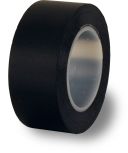
Orderable21212
Black Cold Shrink Tape
This 10 ft (3.1 m) roll of 1"-wide black self-vulcanizing tape can help protect the connection of outdoor antennas. After connecting the coaxial cable to the antenna, wrap the tape around the connectors that are exposed to the environment.
Orderable
Other Accessories
(2)COAXNTN
RG8 Antenna Cable with 2 Type N Pin (Male) Connectors
The COAXNTN is a low-loss RG8 coaxial cable that requires the 31317 surge protection kit to connect it to the RavenXTV. The COAXNTN-L/31317 combination is recommended over the COAXSMA or 21847 when the RavenXTV is used in an environment susceptible to lightning or electrostatic buildup, or when the antenna cable must be longer than 20 feet. Please note that cable lengths longer than 20 feet should be avoided because the signal strength will be weakened.
OrderableSC932A
RS-232 DCE Interface, CS I/O to 9-Pin
The SC932A is one of three choices for attaching the modem to the datalogger. This interface connects the RavenXTV with the datalogger's CS I/O port. The SC932A is recommended for mixed-array dataloggers.
Orderable
Similar Products
(1)
Compatibility
Establishing Cellular Service
Call Verizon at 1-888-384-1775 and ask to speak to an M2M (machine-to-machine) account sales expert for the purpose of setting up either a static or dynamic IP account. A static IP account eliminates the need for a third-party Dynamic Domain Name System (DDNS), such as IP manager. The DDNS translates the domain name to a dynamic IP address so that the modem can be contacted as if it had a static IP address.
When setting up the account, you will need the ESN number, which is listed on the modem’s label. You will also need to request the unrestricted IP. Verizon’s Broadband Plan is also recommended.
Configuring the Modem
The RavenXTV is configured using Campbell Scientific’s Device Configuration Utility. Device Configuration Utility simplifies configuration of the modem parameters.
Alternatively, a RavenXTV that has been successfully connected to the Internet can be configured using a web browser. Using your web browser, navigate to http://your.devices.address:9191.
Data Logger Considerations
The modem connects to the data logger's RS-232 port via a 9-pin male-to-male null modem cable; Campbell Scientific offers the 18663 null modem cable (see Ordering). Alternatively, the modem can be connected to the data logger's CS I/O port, but an SC105 or SC932A interface is required.
Power Considerations
A power cable included with the modem connects to the data logger’s 12 V or switched 12 V terminal. Connection to the switched 12 V terminal allows the data logger to switch power to the modem during scheduled transmission intervals, thereby conserving power. Alternatively, the modem can be powered directly from a battery or one of our charging regulators. For help with analyzing your system’s power requirements, refer to our "Power Supply Overview" or "Power Supplies" application note.
Enclosure Considerations
A desiccated, non-condensing environment is required. The 14394 Mounting Kit includes hardware for securing the RavenXTV to an enclosure backplate (see Ordering Info).
Compatible Products
(7)CR6
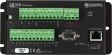
High-Capacity Data Acquisition System
OrderableNotes—CR310
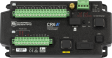
Measurement and Control Datalogger
OrderableNotesUse a 18663 null modem cable.
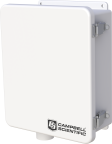
ENC10/12
Weather-Resistant Enclosure, 10 x 12 inches
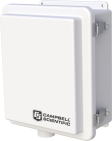
OrderableNotes—ENC10/12R
Raised Lid Enclosure, 10 x 12 inches
OrderableNotes—ENC12/14
Weather-Resistant Enclosure, 12 x 14 inches
OrderableNotes—ENC14/16
Weather-Resistant Enclosure, 14 x 16 inches
OrderableNotes—ENC16/18
Weather-Resistant Enclosure, 16 x 18 inches
OrderableNotes—
Related Resources
Case Studies
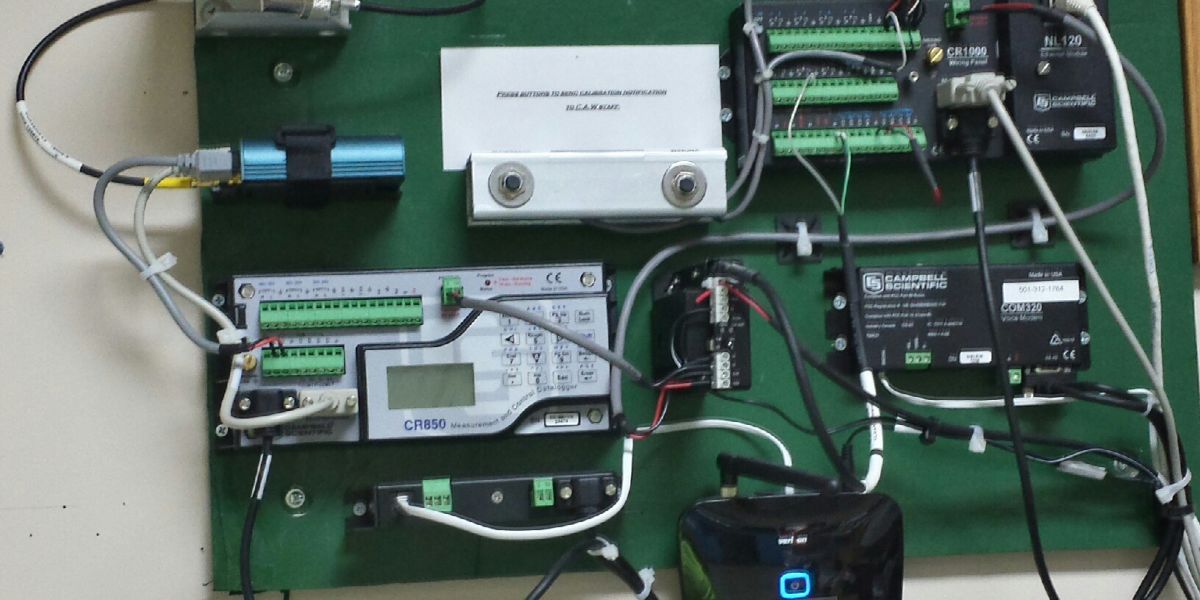
Documents
- Manual
RavenXTV CDMA Sierra Wireless Cellular Modem
March 2017
View Document - Technical Paper
Data Streaming
July 2023
View Document - Technical Paper
Weatherproofing Exterior Antenna Connections
February 2015
View Document - Brochure
RAVENXTV Cellular Digital Modem for Verizon
June 2017
View Document
Showing 4 of 5 results
See all DocumentsDownloads
Videos and Tutorials
Services Available
- Repair
- No
- Calibration
- No
- Free Support
- No