SDM-CAN
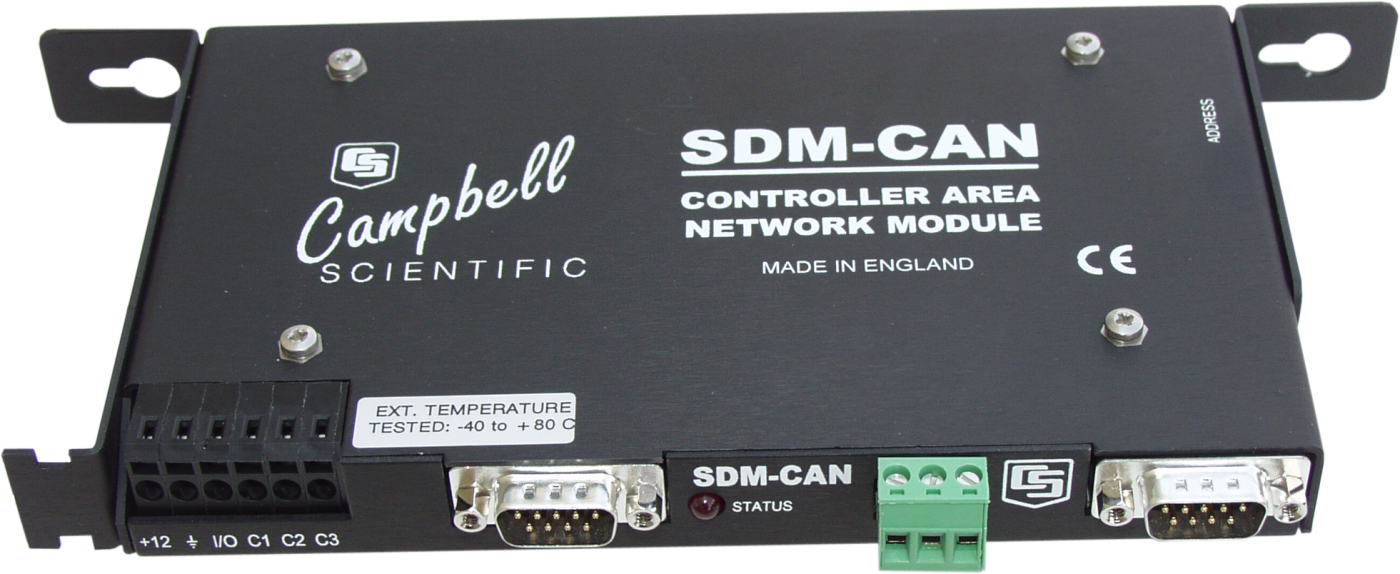
SDM-CAN
OrderableDatalogger-to-CANbus Interface Module
Overview
The SDM-CAN allows a Campbell Scientific data logger to sample data directly from a CANbus communication network. This allows testing and verification of CANbus-based data alongside measurements made independently via the data logger's input channels. The SDM-CAN also supports transmission of data onto a CANbus network.
Key Advantages
Uses latest CAN controller
Technical Description
CANbus data can be stored (and synchronized) with other data values measured directly by the data logger, allowing testing and verification of CANbus-based data alongside measurements made independently via the data logger's input channels. The SDM-CAN also supports transmission of data onto a CANbus network.
The SDM-CAN uses the latest Philips SJA1000 CAN controller clocked at 16 MHz; CAN 2.0A and 2.0B active and passive modes are supported, which includes SAE J1939. The CANbus protocol is used in a number of networking applications, including vehicle data acquisition systems (VDAS).
The SDM-CAN can act as a passive “listen-only” device, poll remote devices for data, or act as a sensor. To poll remote devices it sends or responds to Remote Frame Requests. It acts as a sensor by sending data packets to the CANbus network. The SDM-CAN supports baud rates up to 1 MB (1 M, 800 k, 500 k, 250 k, 125 k, 50 k, 20 k, and lower). Non-standard baud rates may be possible. CAN data frames can also be built and sent.
The data logger enables individual modules through an addressing scheme; up to 15 SDM-CANs can be connected to one data logger.
SDM-CAN Helper
SDM-CAN Helper is an add-on program for our RTDAQ Real-Time Data Acquisition Software. This add-on program walks users through the process of configuring their SDM-CAN, connecting the SDM-CAN to the data logger, sending an appropriate program to the data logger, and setting up their data logger to collect specific values from the CANbus network.
SDM-CAN Helper is available, at no charge, from the Downloads section. Users must have a valid installation of RTDAQ on their computer to install the SDM-CAN Helper program.
Benefits
- Supports various CAN modes
- Uses latest Philips CAN controller
- Can be used in many networking applications, including vehicle testing
Specifications
- Function
- Allows a data logger to sample data directly from a CANbus communication network.
Uses latest CAN controller.
- Number of Channels
- 1
- Operating Temperature
- Tested from -40° to +80°C.
- Operating Voltage
- 7 to 26 Vdc
- Isolation
- Optional (switch-selectable) galvanic isolation between the data logger and the CANbus.
The minimum isolation breakdown is 50 V; this barrier is for signal isolation only (that is, it is not a safety barrier).
- Controller
- Uses the latest Philips SJA1000 CAN controller clocked at 16 MHz.
- CANbus Physical Connection
- Conforms to CIA draft standard 102 version 2, 9-pin D connector.
(The interface will differ from this standard only with respect to pin 9, which outputs 5 Vdc instead of 7 to 13 Vdc.)
- Screw Terminal Block
- A three-way, unpluggable screw terminal block for CAN High, Low, and G is provided.
- Safety
- For safety reasons, can disable CANbus transmit and acknowledge via a jumper
(for example, for in-vehicle, listen-only monitoring)
- Dimensions
- The device can be vertically mounted with all the connectors on the top surface.17.5 x 10.0 x 2.3 cm
(6.9 x 3.9 x 0.9 in.)
- Weight
- 0.3 kg
(0.14 lb)
Typical Current Consumption
- Active in Self-Powered, Isolated Mode
- 70 mA
(recessive state)
120 mA(dominant state)
- Active, Non-Isolated
- 30 mA
(recessive state)
70 mA(dominant state)
- Standby
- < 1 mA
(with or without isolation)
- Communications with Data Logger
- 50 mA
- RS-232 Port Active
- 50 mA
Replacement Parts
(4)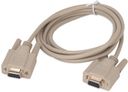
13657
Null Modem Cable, 9-Pin Socket (Female) to 9-Pin Socket (Female)
The 13657 is a 6-foot cable that terminates in DB9 socket (female) connectors on both ends. It's used to connect the SDM-CAN's RS-232 port with a PC. A PC running terminal emulator software can provide SDM-CAN status, troubleshooting, and network monitoring.
Orderable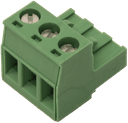
6616
Green 3-Pin Screw Terminal Plug Connector
The 6616 can be used to connect the SDM-CAN with the CANbus network. The CAN Hi, Lo, and ground wires attach to this 3-terminal removable connector.
Orderable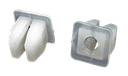
6044
Grommet for #6 or #8 Screw
These grommets are commonly used with the 505 screws to secure our equipment to the backplates of our enclosures.
Orderable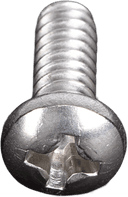
505
Screw #6-32 x .375 Pan Phillips
These screws, along with the 6044 grommets, are commonly used together to secure our equipment to the backplates of our enclosures.
Orderable
Compatibility
Note: The following shows notable compatibility information. It is not a comprehensive list of all compatible or incompatible products.
Data Logger Considerations
Programming
Data is transferred between the SDM-CAN interface and the data logger using Campbell Scientific’s high-speed SDM communications protocol. The CANBUS Instruction controls the SDM-CAN operation in CRBasic; Instruction 118 controls the SDM-CAN operation in Edlog.
Power Considerations
The SDM-CAN draws 1 mA quiescent, up to 120 mA active. The data logger's sealed rechargeable power supply (or an external one) connected to a continuous charging source is recommended.
Enclosures
The SDM-CAN requires a desiccated, non-condensing environment; a Campbell Scientific enclosure is recommended. The SDM-CAN has built-in keyhole flanges for mounting to the backplates of Campbell Scientific enclosures.
Compatible Products
(15)
CR6
High-Capacity Data Acquisition System
OrderableNotes—
CR800
Measurement and Control Datalogger
RetiredNotes—
CR850
Measurement and Control Datalogger
RetiredNotes—
CR1000
Measurement and Control Datalogger
RetiredNotes—
CR1000X
Measurement and Control Datalogger
RetiredNotes—
CR1000Xe
Measurement and Control Datalogger
OrderableNotes—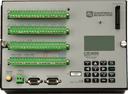
CR3000
Measurement and Control Datalogger
RetiredNotesFor the CR3000, SDMs are connected to the ports labeled SDM-C1, SDM-C2, and SDM-C3.
CR5000
Measurement and Control Datalogger
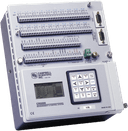
RetiredNotesFor the CR5000, SDMs are connected to the ports labeled SDM-C1, SDM-C2, and SDM-C3.
CR9000X
Measurement and Control Datalogger
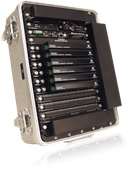
RetiredNotesFor the CR9000X, SDMs connect to ports provided on the CR9032 CPU module.
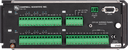
Datalogger for Measurement and Control
Datalogger for Measurement and Control
RetiredNotes—
Granite 6
Measurement and Control Data Acquisition System
End of lifeNotes—
Granite 9
High-Capacity, High-Speed Data Acquisition System
OrderableNotes—
Granite 10
Measurement and Control Data Acquisition System
OrderableNotes—
Measurement and Control System
Measurement and Control System
RetiredNotesFor the CR9000, SDMs connect to ports provided on the CR9080 PAM module.
Micrologger for Data Acquisition
Micrologger for Data Acquisition
RetiredNotes—
Incompatible Products
(2)
Related Resources
Documents
Downloads
- OS and FirmwareSDM-CAN OSv4
November 21, 2006
Current version of the SDM-CAN firmware.
- Software ApplicationsSDM-CAN Helperv1.1
September 29, 2016
Add-on package for RTDAQ. Assists users of the SDM-CAN device.See the SDM-CAN Helper Overview for more information about this product.Note: The SDM-CAN Helper will only be installed if a valid installation of RTDAQ already exists on the computer.
Videos and Tutorials

Product Life Events
- Available for Order
- January 1, 1950
- Retired
- February 22, 2022